Amtaar app guide
Everything you can do in the Amtaar app, explained screen by screen with real screenshots. Start with getting started, or jump straight to the part you need.
Updated 4 October 2026 · Amtaar app version 1.10
All guides
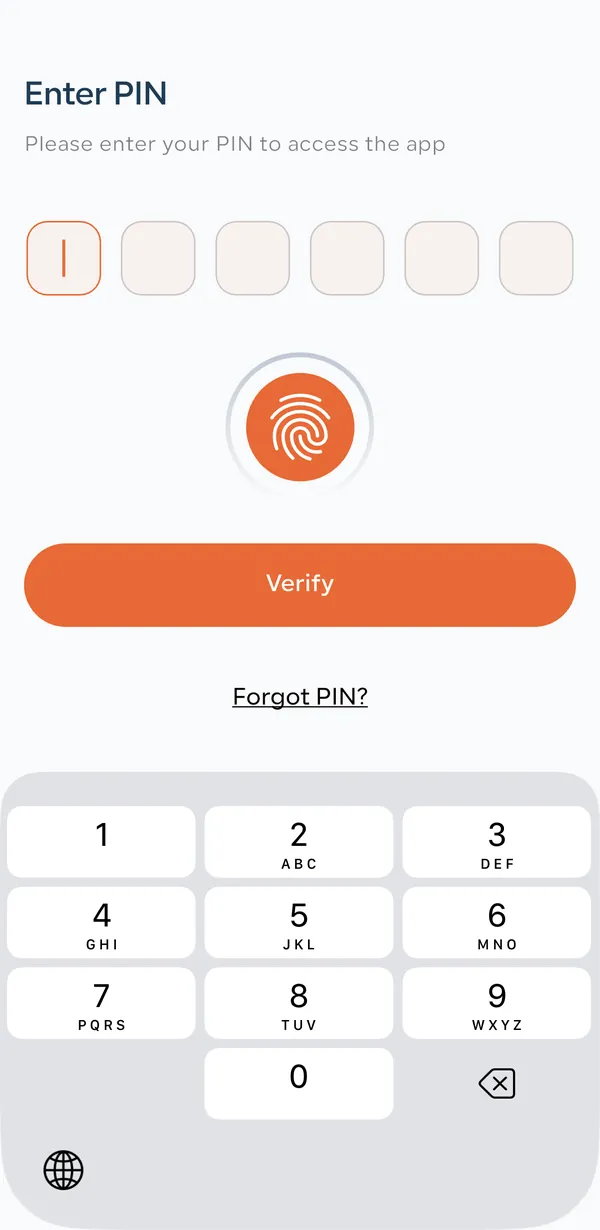 1Getting startedDownload the app, sign up with your mobile number, verify your identity and log in with your PIN.
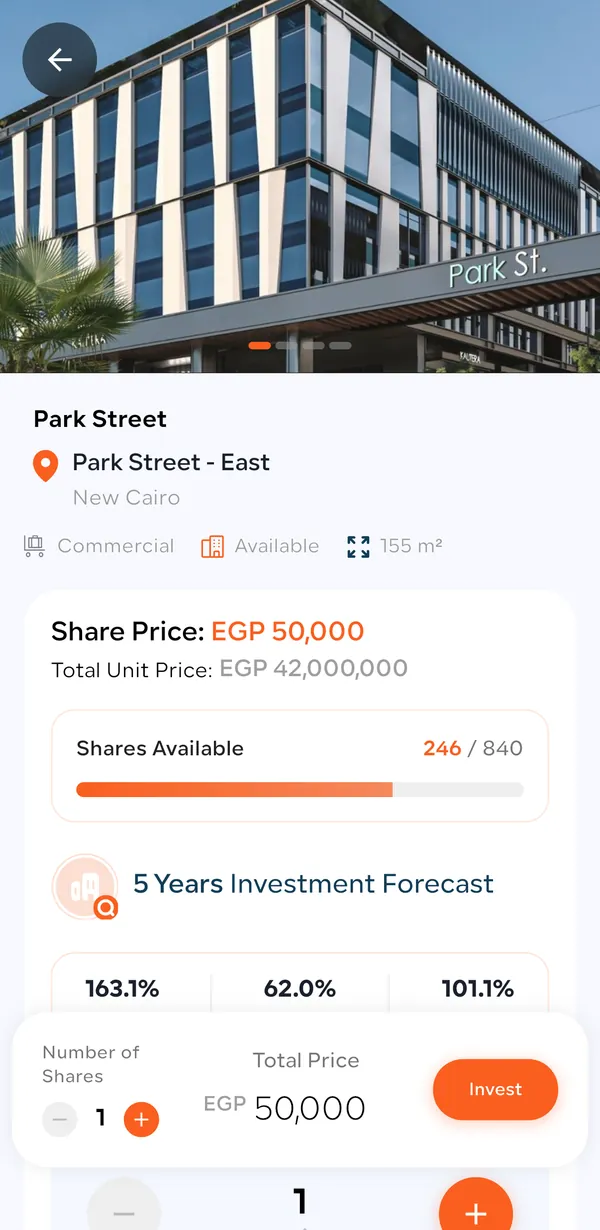 2How to investFind a property, read its forecast, choose your shares, pay, and receive your shares and contract.
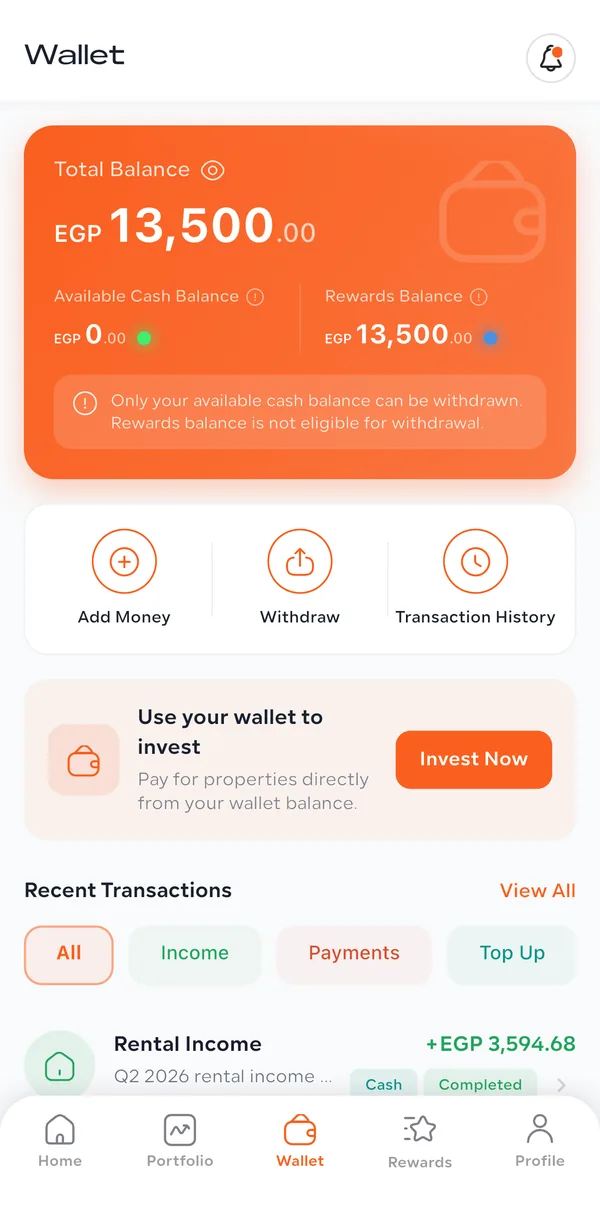 3Wallet: rental income, top-up & withdrawWhere your rental income lands, how to read past payouts, add money, invest from your balance and withdraw to your bank.
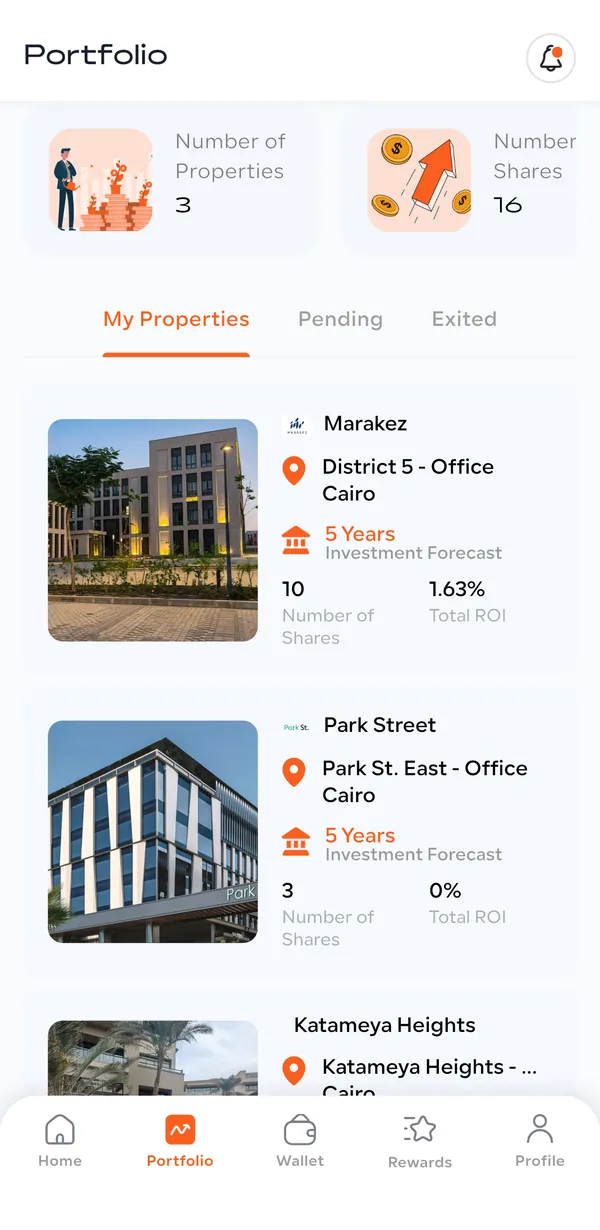 4Portfolio & returnsCheck your portfolio value, rental income, upcoming payout and each property’s return.
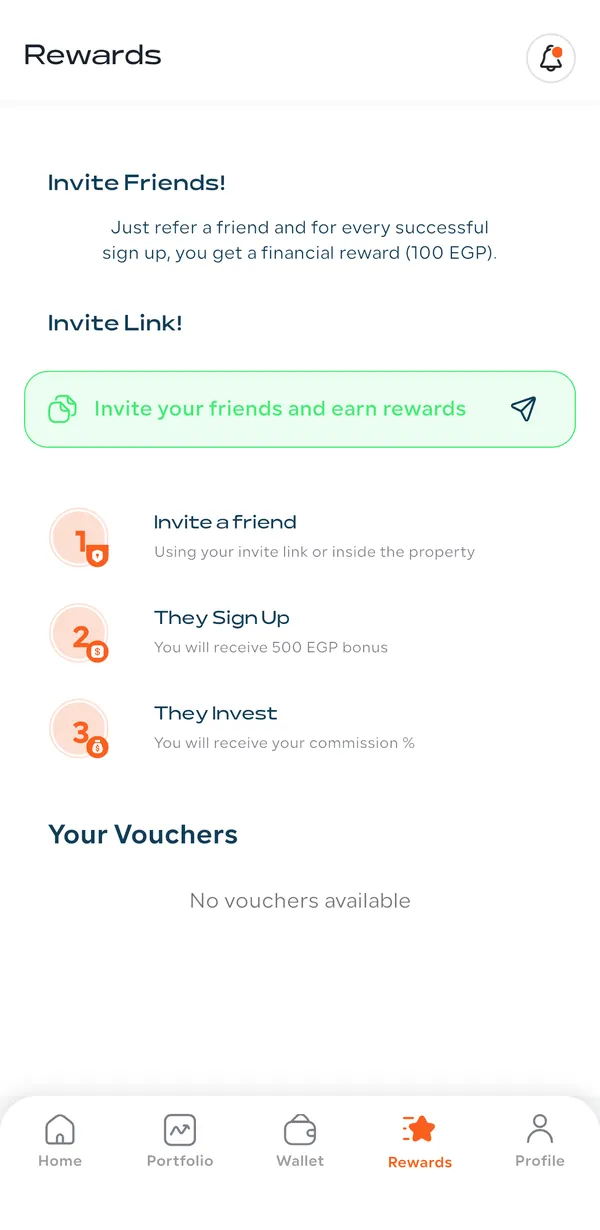 5Rewards & referralsInvite friends with your link, earn rewards as they sign up, verify and invest, and use them on your next investment.
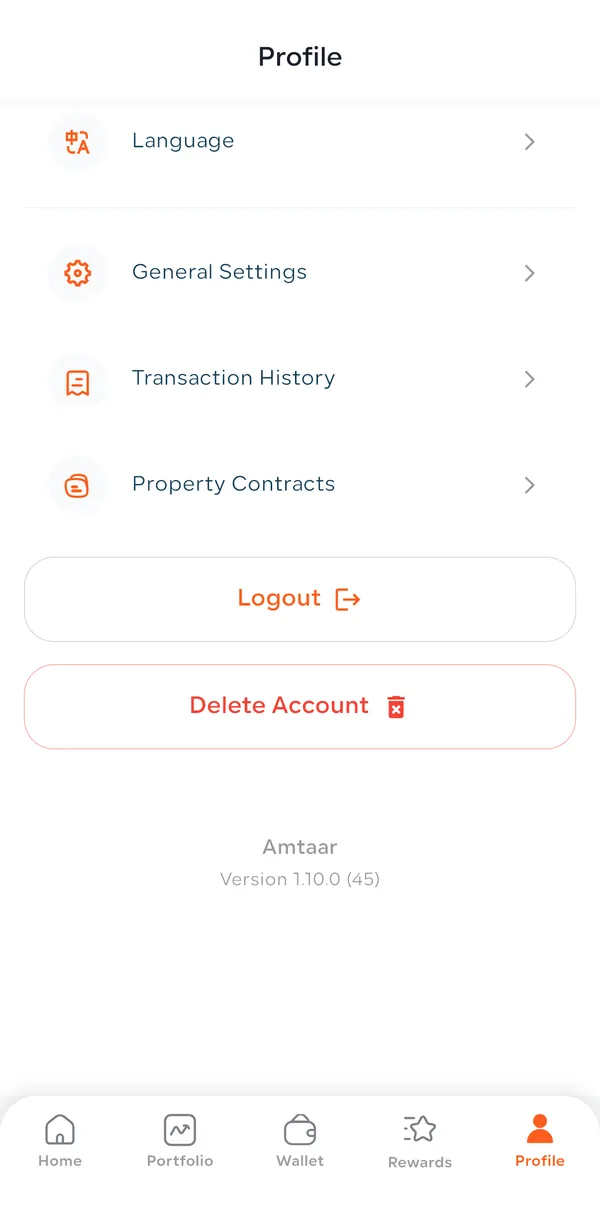 6Profile & accountYour account information and bank details, payment history, contracts, language, support and account deletion.
The app in five tabs
The bar at the bottom of the app has five tabs. Each one has its own guide:
- Home
- Browse properties: Available to invest now, Funded (fully sold), and Resale (coming soon). Tap any property to see its price per share and 5-year forecast.
- Portfolio
- Your investments: total value, rental income with your last and upcoming payout, and every property you own with its returns.
- Wallet
- Where your rental income is paid. Add money, invest from your balance, withdraw to your bank, and see every transaction.
- Rewards
- Your referral link, your rewards balance, and how many friends registered, verified and invested.
- Profile
- Account information and bank details, language, payment history, property contracts, help and support.
Common questions
Where can I download the Amtaar app?
The Amtaar app is free on the Apple App Store and Google Play. Search for “Amtaar” or use the buttons on this page.
Is the Amtaar app available in Arabic?
Yes. Go to Profile → Language and choose العربية or English. Every guide on this site is also available in Arabic.
What can I do in the Amtaar app?
Sign up and verify your identity, buy shares in income-producing commercial properties, follow your portfolio and returns, receive rental income in your wallet, withdraw to your bank, invite friends for rewards, and download your property contracts.
How do I get help with the app?
In the app go to Profile → Help and Support → Contact Support, or message Amtaar on WhatsApp using the button on this website.